


Welcome to my Patoche Billboard REWORK
I have creat for you 130 billboards to give you the opportunity to customize your city !
Imagine all the possibilities ! Create your ads for your events, for your election compaigns, to creat ads for your "business/job/compagny" and promote your "business/job/compagny" , that make them even more " real" in your server RP lore, announced police job is recruiting, etc....
And i created this project to make everything easy for you !
You have just one ressource to start and i have creat Tuto/readme for help you if you are a begginer.
With this billboard tool, you will have something unique, that can't look like any other server !

You can find 1 zip now on your CFX PAGE with 3 folder inside to start :
- patoche_billboard
- patoche_billboard_script
- object_gizmo
Simply open the menu with:
/billboard

Everything can be managed directly in-game through an intuitive interface.
Create folders to organize your billboards however you like.
For example:
Each folder can contain multiple billboards and makes large projects easy to manage.
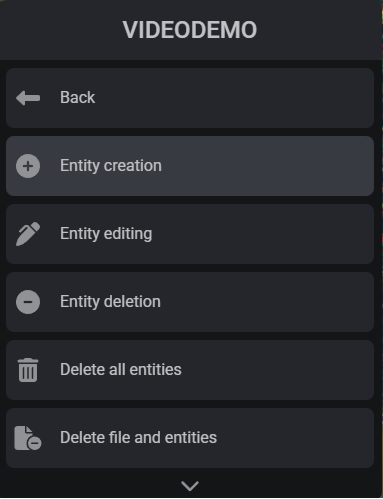
Inside a folder, you can:
All modifications are applied directly in-game, allowing you to see the results instantly.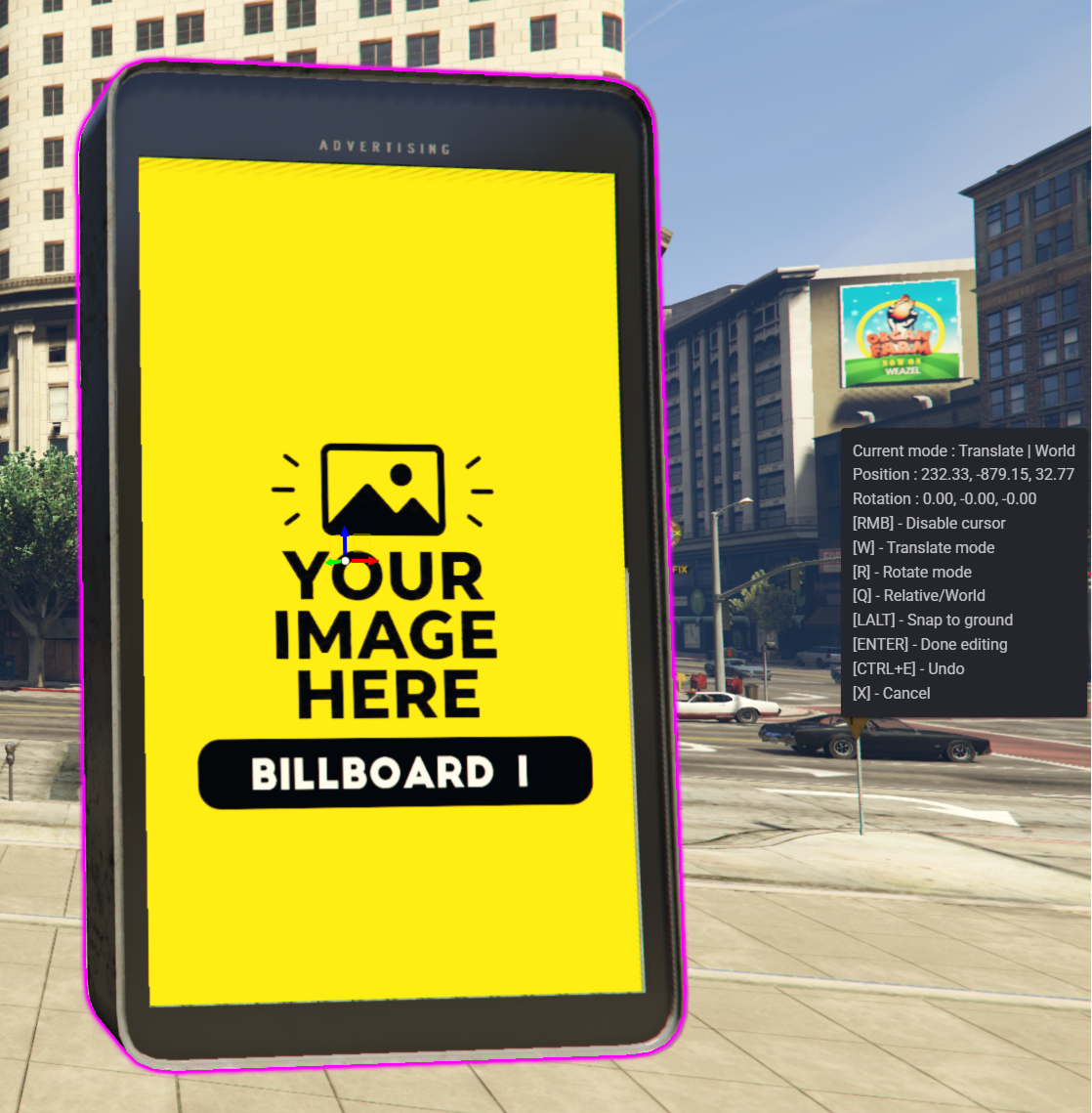
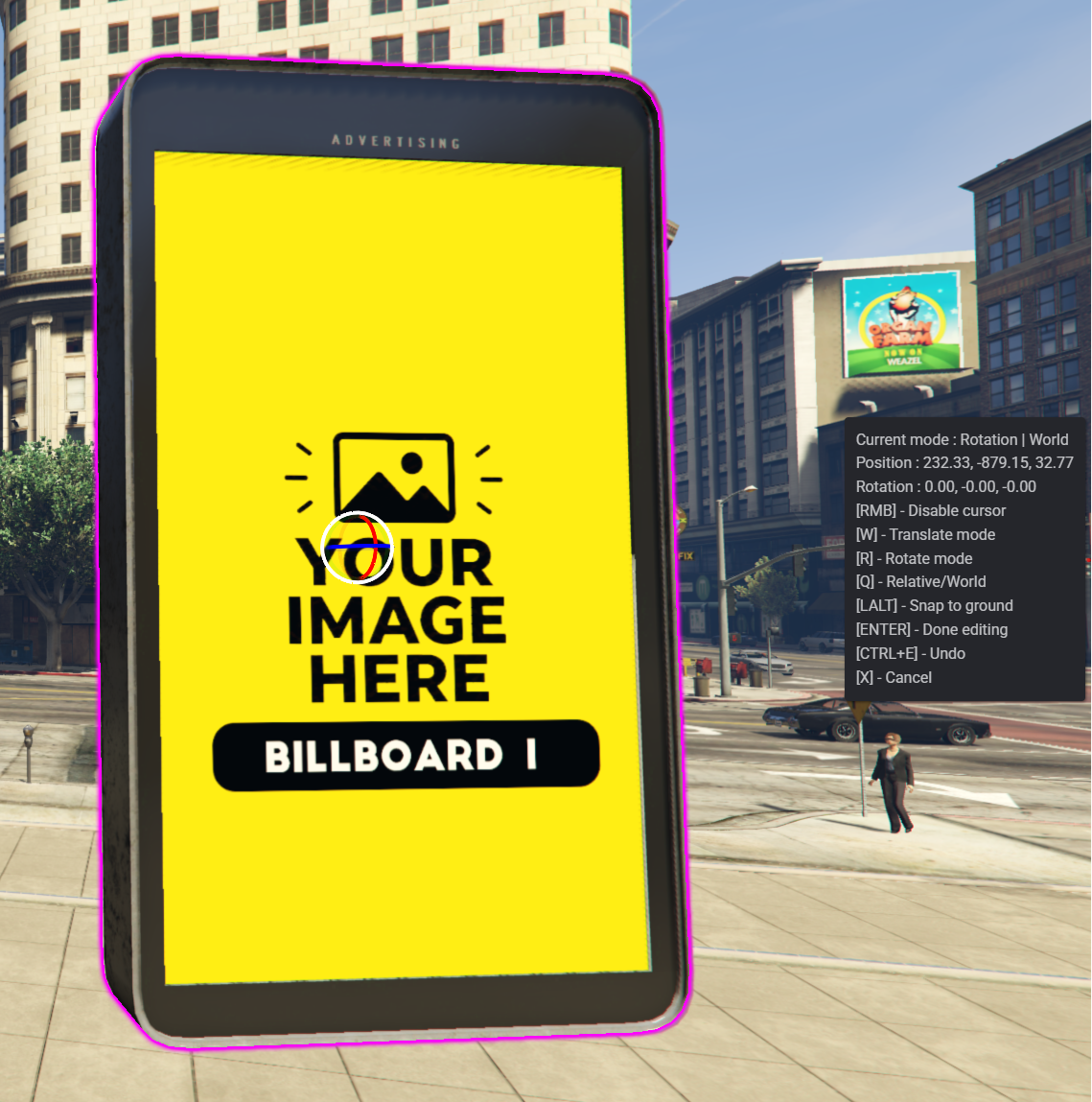
When placing billboards, you are automatically put into a custom noclip mode, allowing you to position props quickly and accurately without any additional setup.
Need to edit an existing billboard?
Simply use the teleport option to instantly move to the selected billboard and make sure you're editing the correct one.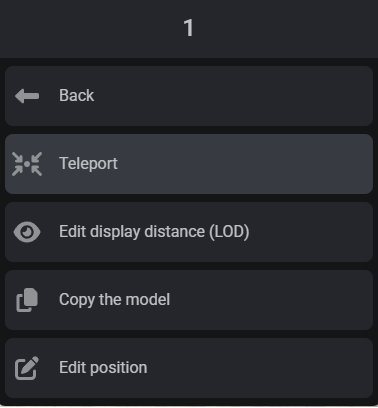
No more searching across the map for the right prop.
Forgot which billboard number you used after replacing its texture? No problem.
Every placed billboard includes a detailed description showing:
✅ The original prop name
✅ The assigned display distance (LOD)
✅ Useful information to quickly identify the billboard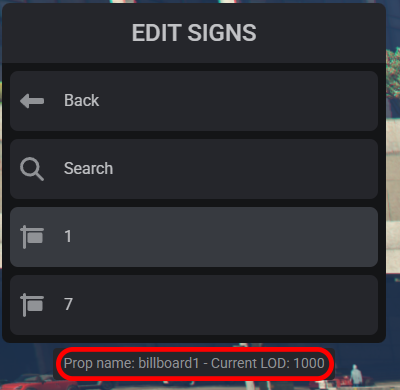
This makes managing large billboard projects much easier, even when dozens of billboards are placed across the map.
Multiple users can work on billboard placement at the same time.
This makes it perfect for development teams, map creators, and server staff who want to build or customize areas together.
All billboard textures are stored inside .ytd files.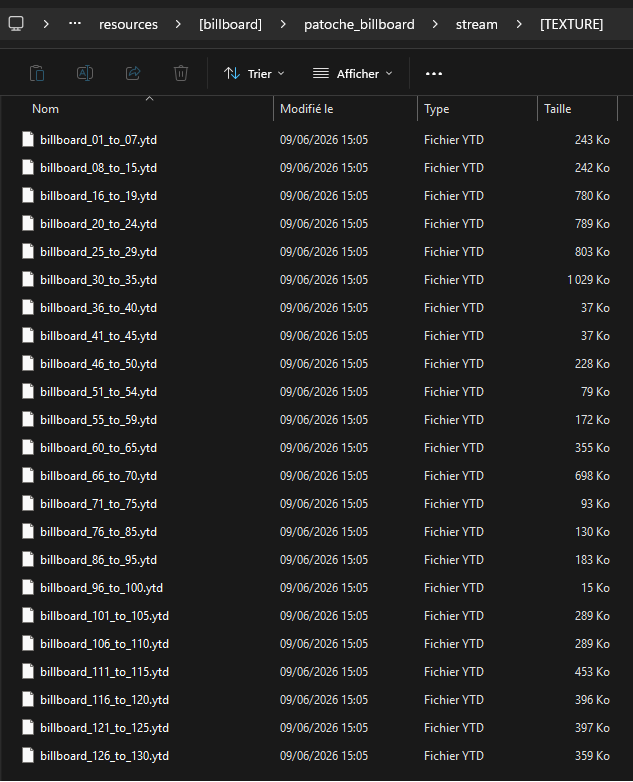
This means you can easily export, edit, and replace textures to create your own advertisements, server branding, event posters, business promotions, and much more.
🏢 Roleplay Servers
🏁 Racing Servers
📢 Event Advertising
🎯 Server Branding
🏪 Custom Businesses
🌆 Dynamic City Decoration
Build your own advertising network and customize your server exactly the way you want.
► This MAP product is obviously in my ULTIMATE subscription ◄ ( Subscription map list : click here )
This map use the CFX Asset Escrow System.
PLEASE, READ CAREFULLY
- This map is partially encrypted by Tebex and CFX Asset Escrow System. This is licensed on your cfx account that you entered when purchasing the package.
- After your purchase, tebex will send an email with the download link. By the way, you can download your item from your keymaster dashboard HERE
- Don't worry if you bought this map and you aren't the owner of the server: You can transfer ownership of this script in Keymaster.fivem. Go to "Purchased assets" and select "Transfer to another account".
(More information here https://urlz.fr/gSOL)

BILLBOARD 1 to 15 :
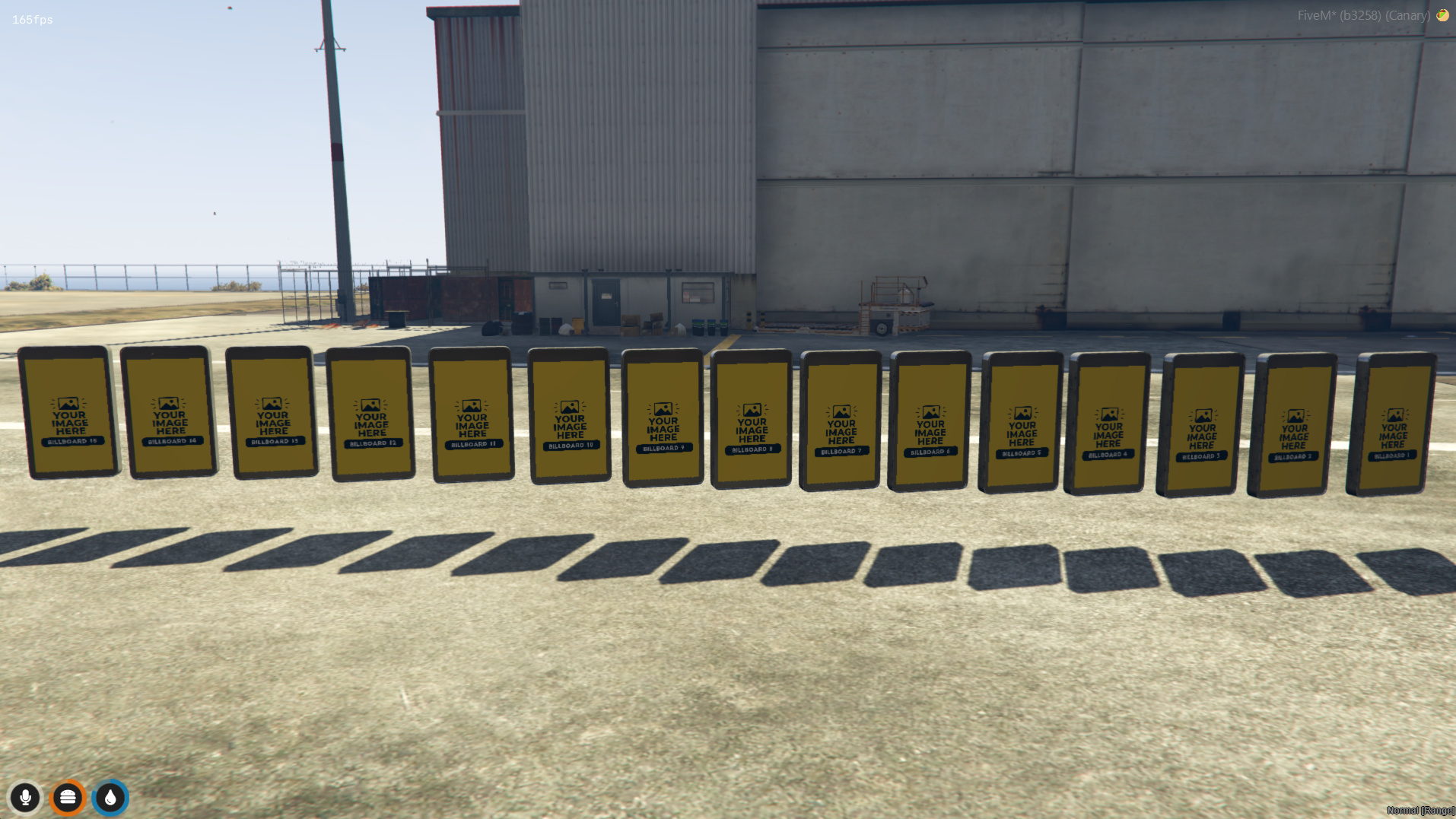
BILLBOARD 16 to 19 :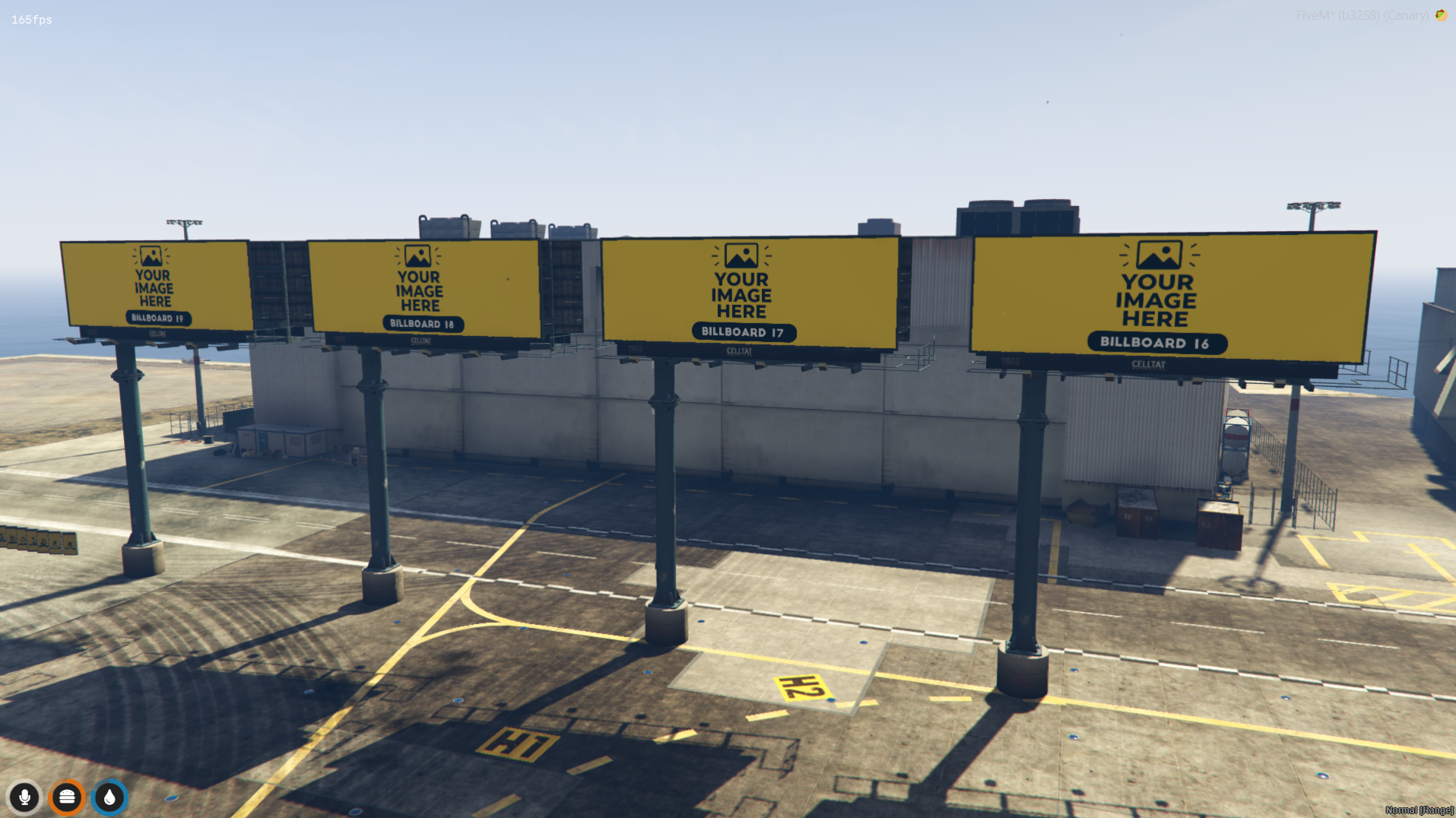
BILLBOARD 20 to 24 :
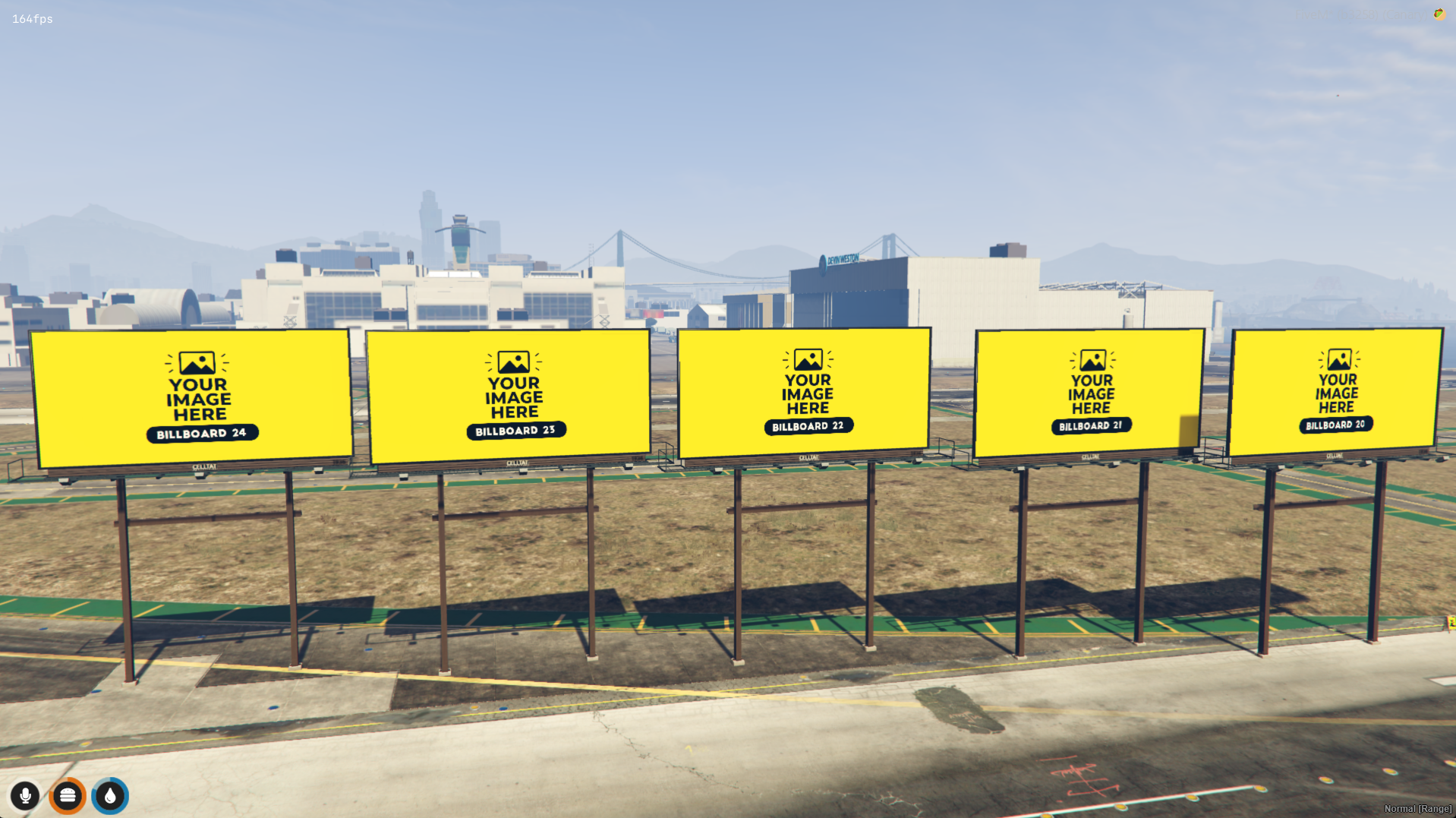
BILLBOARD 25 to 29 :
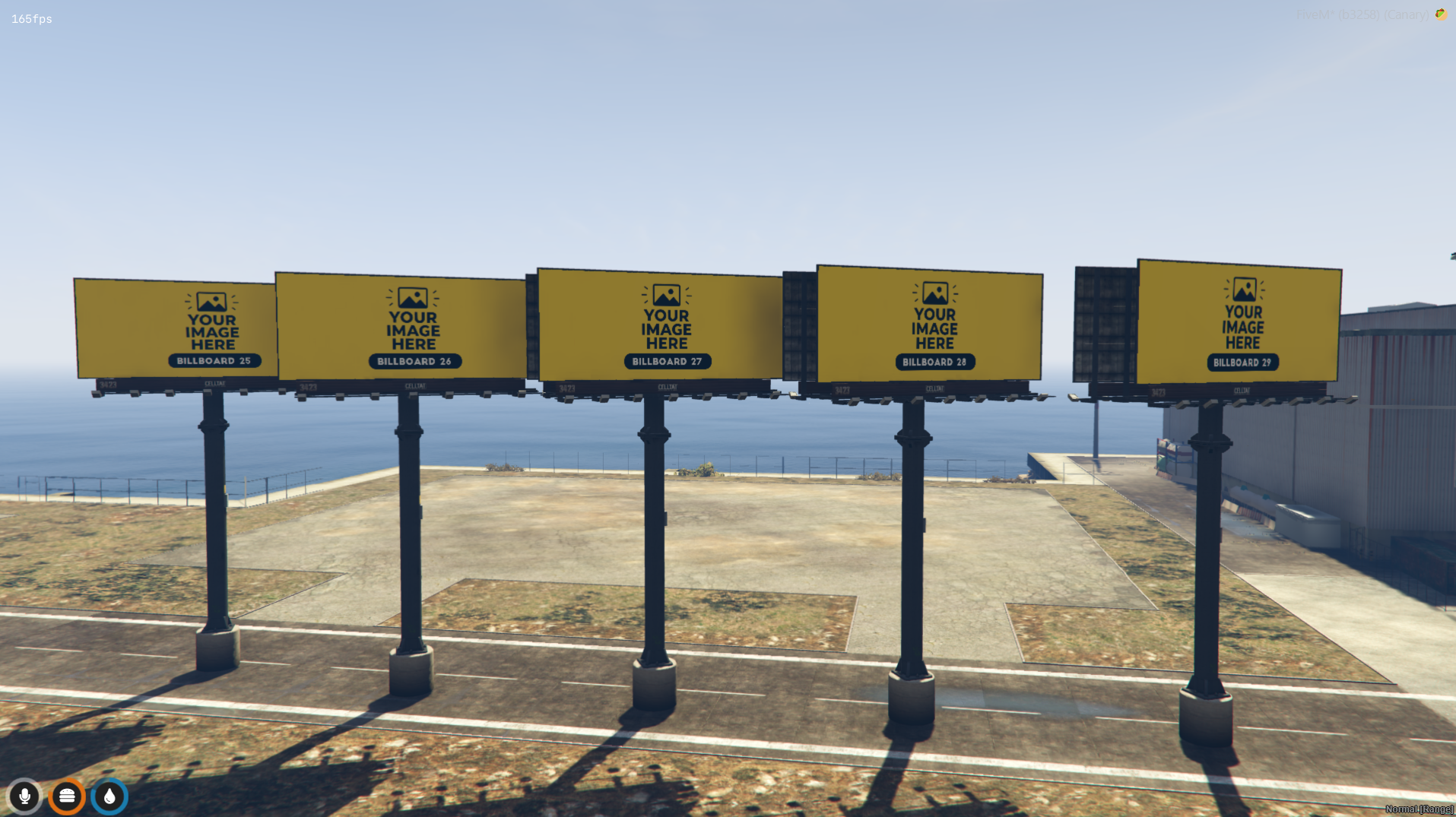
BILLBOARD 30 to 35 :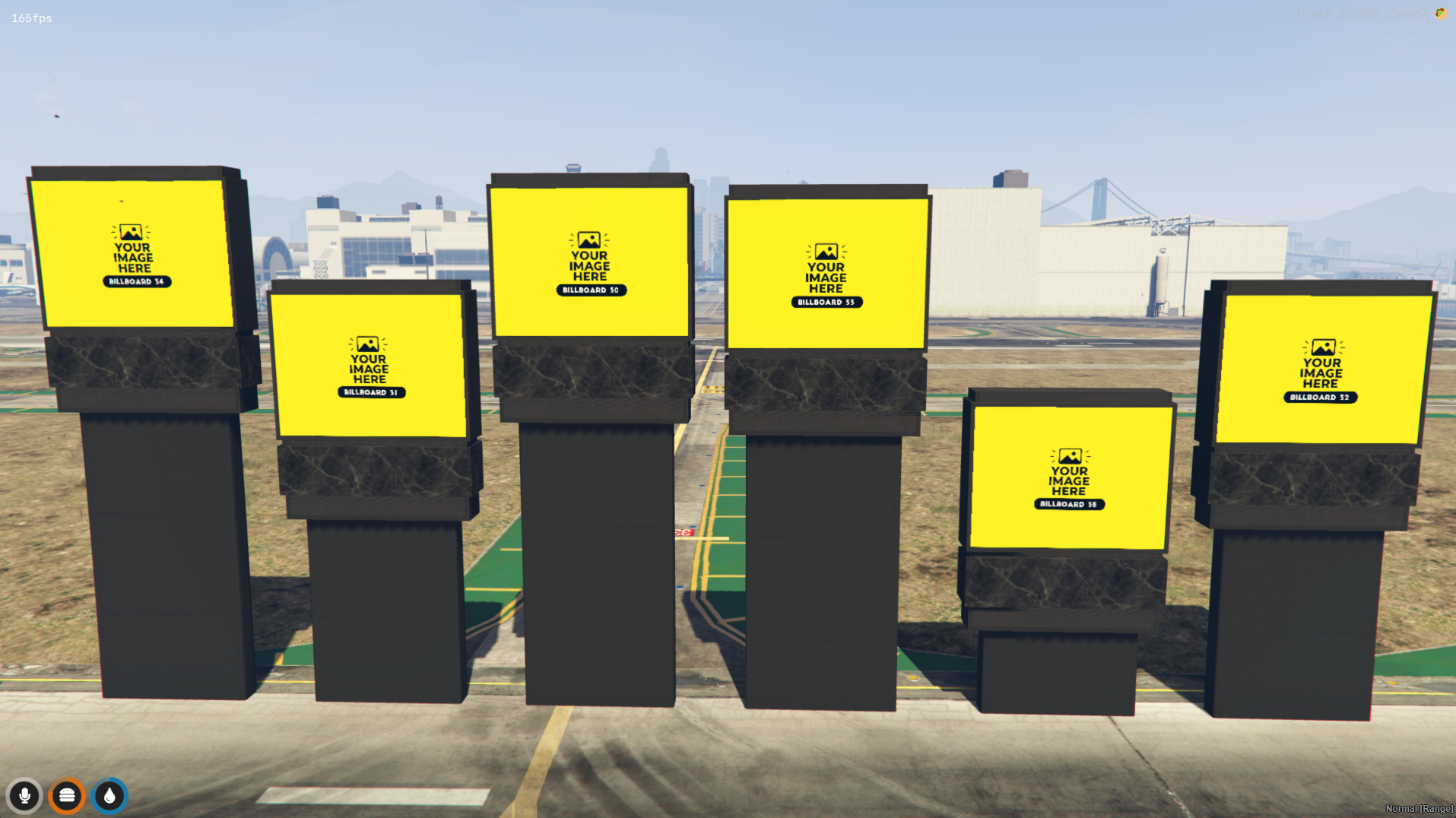
BILLBOARD 36 to 45 :
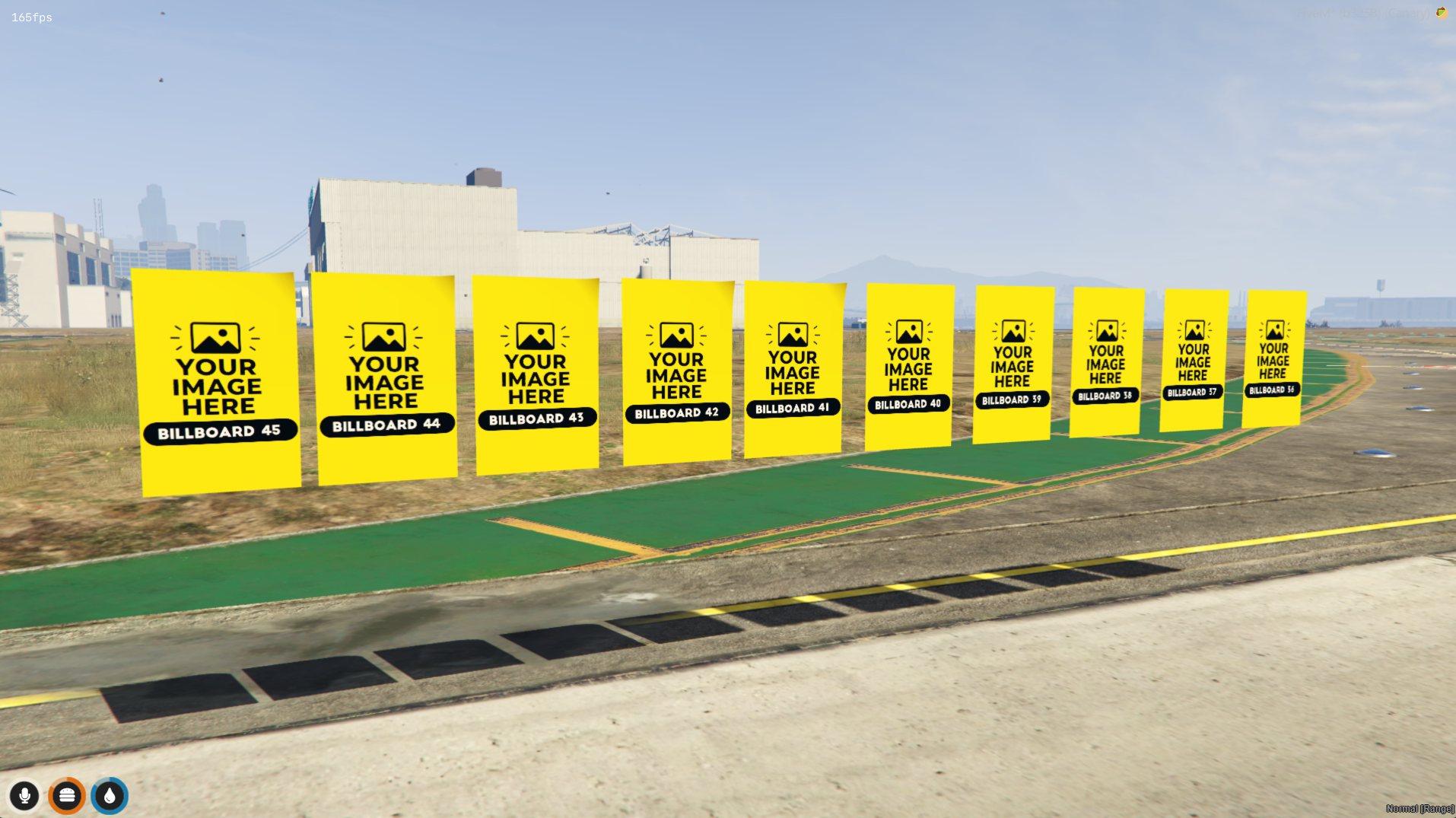
BILLBOARD 46 to 50 :
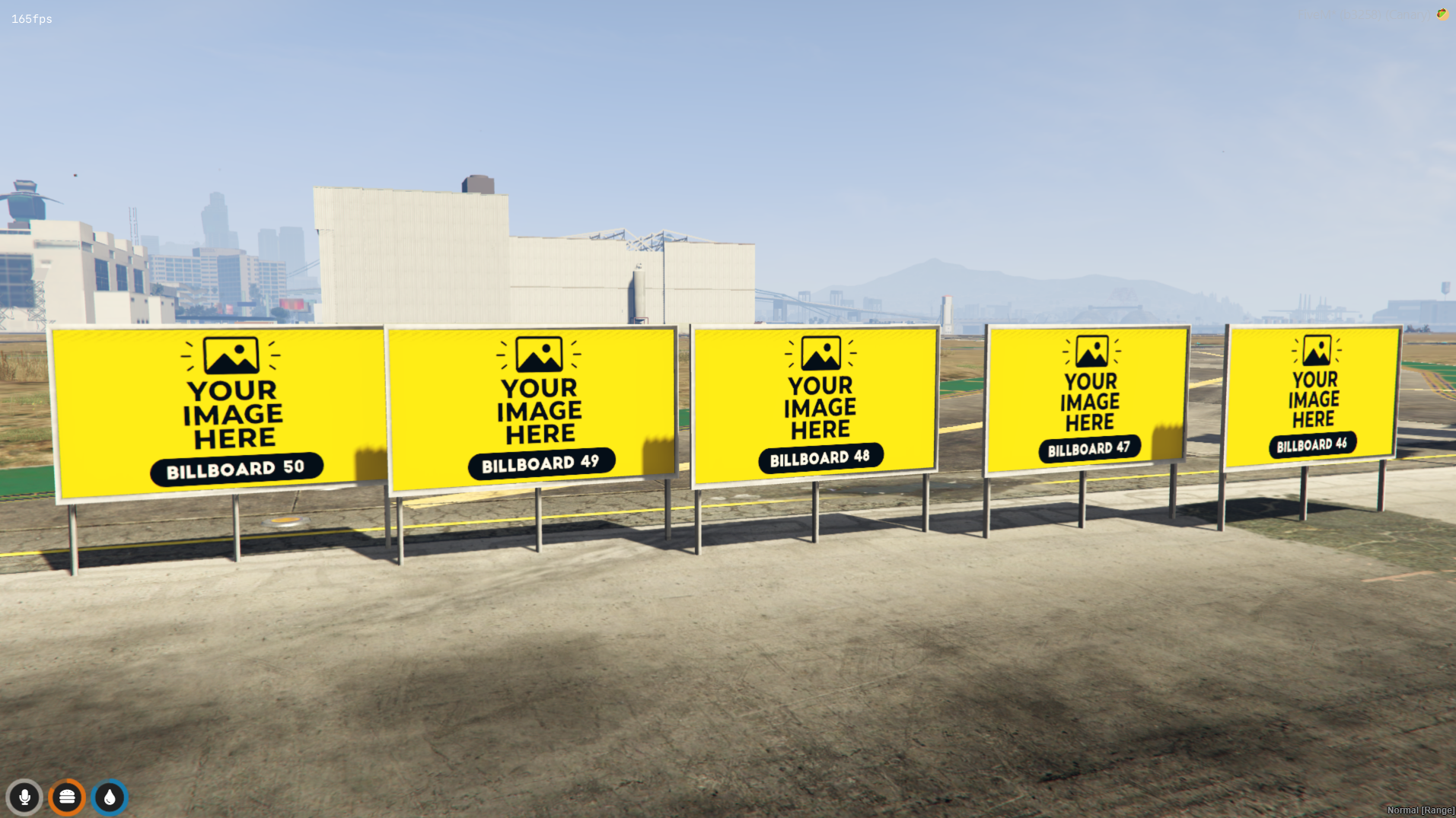
BILLBOARD 51 to 54 :
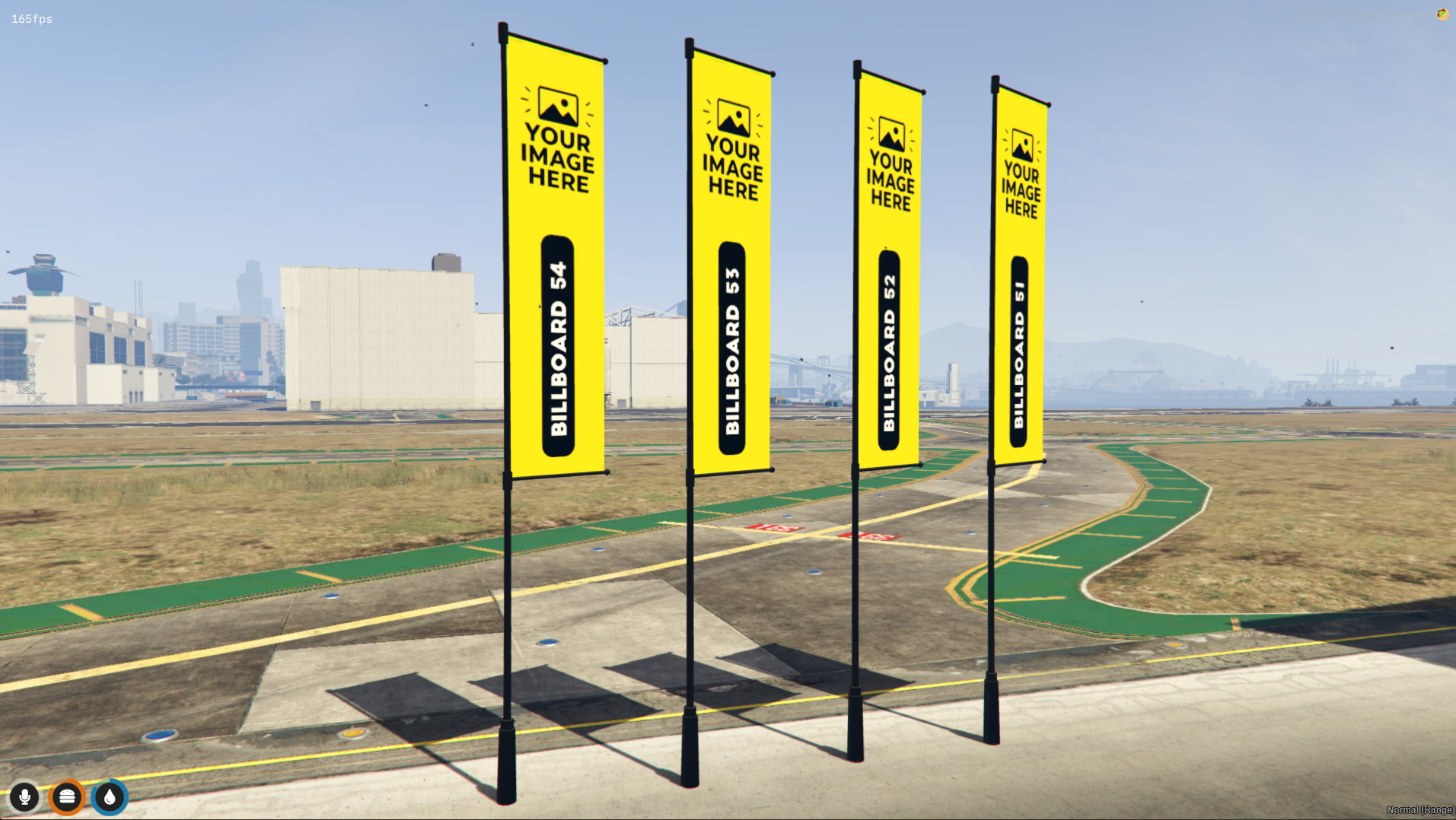
BILLBOARD 55 to 59 :
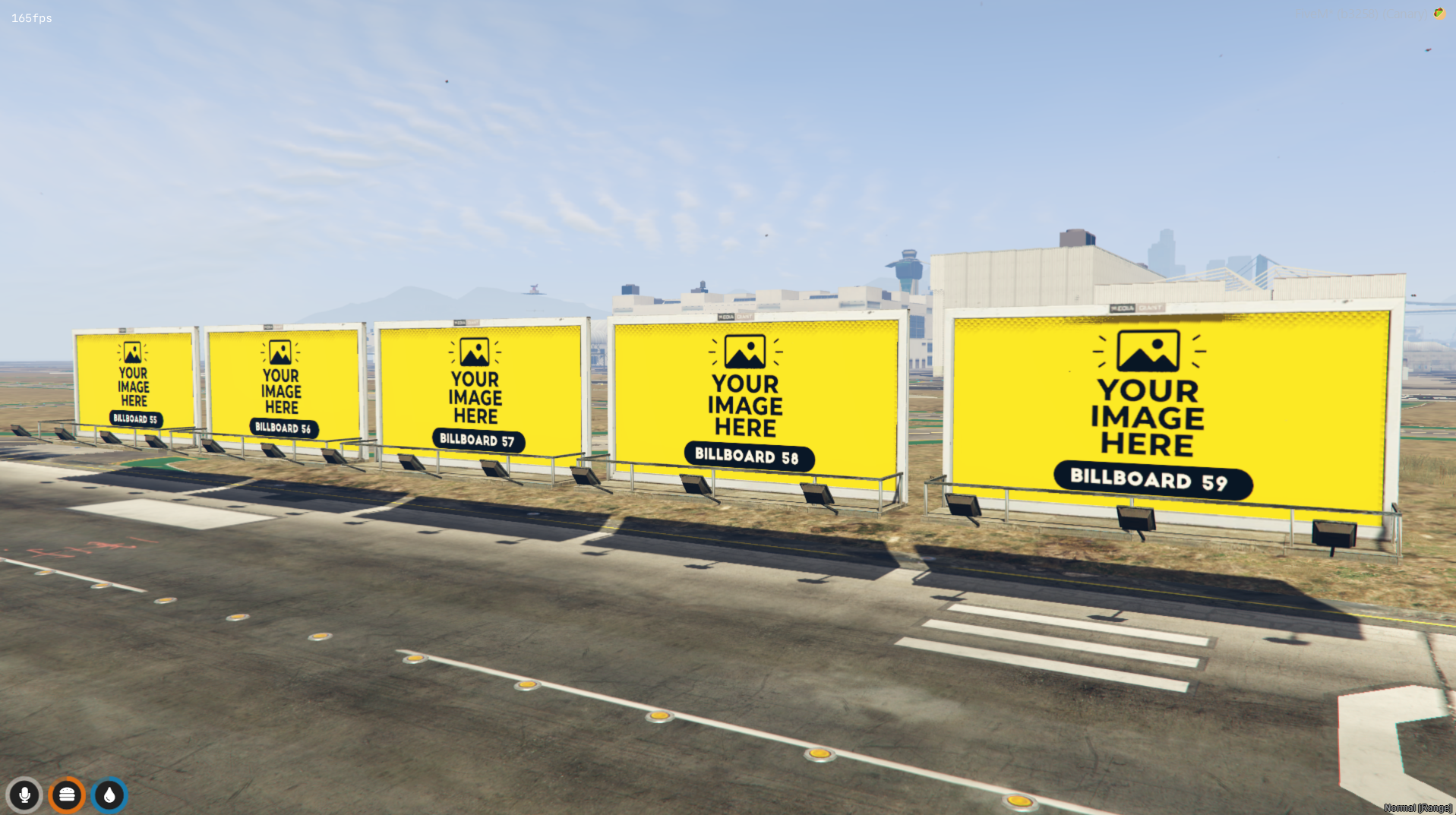
BILLBOARD 60 to 65 :
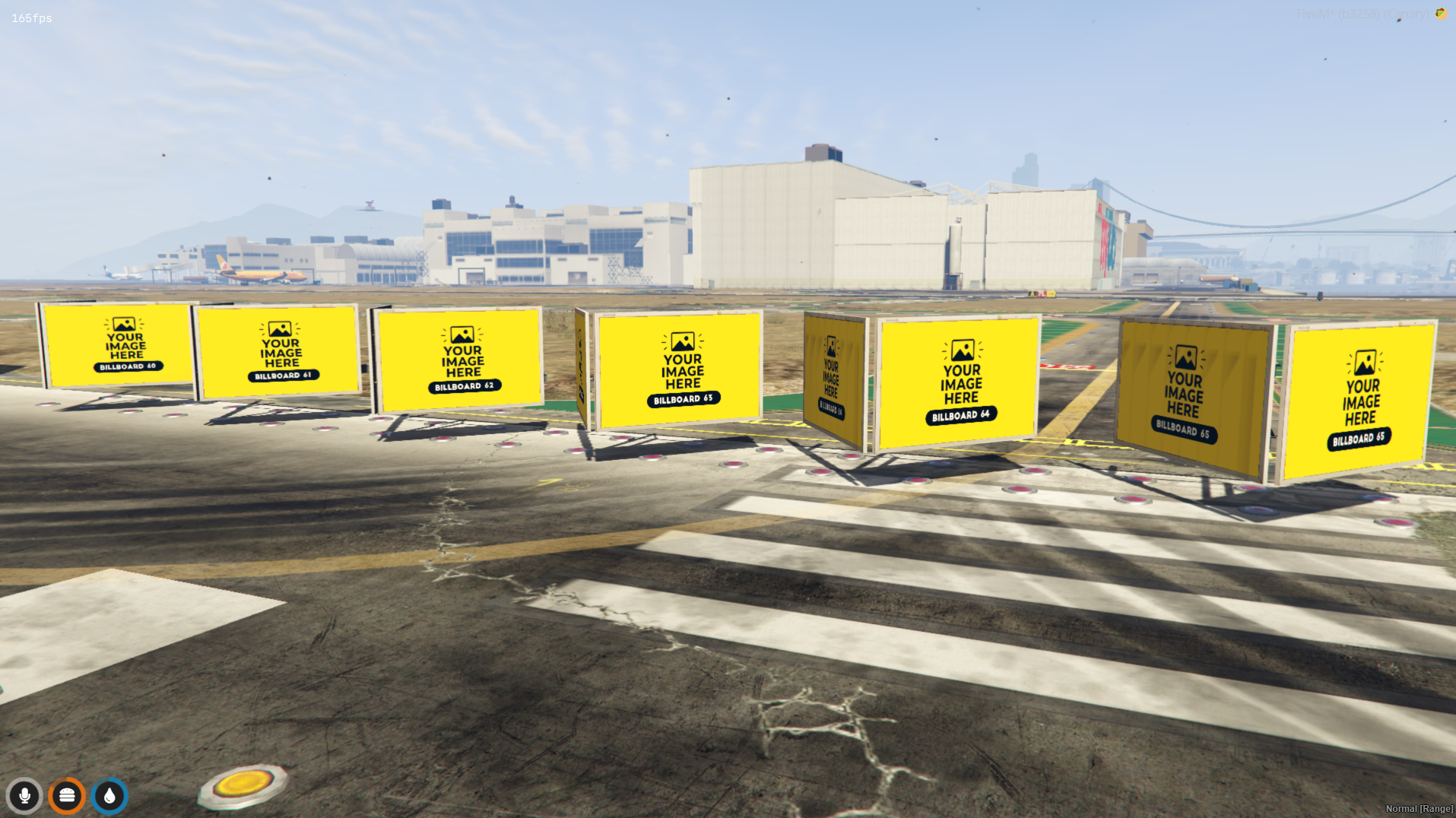
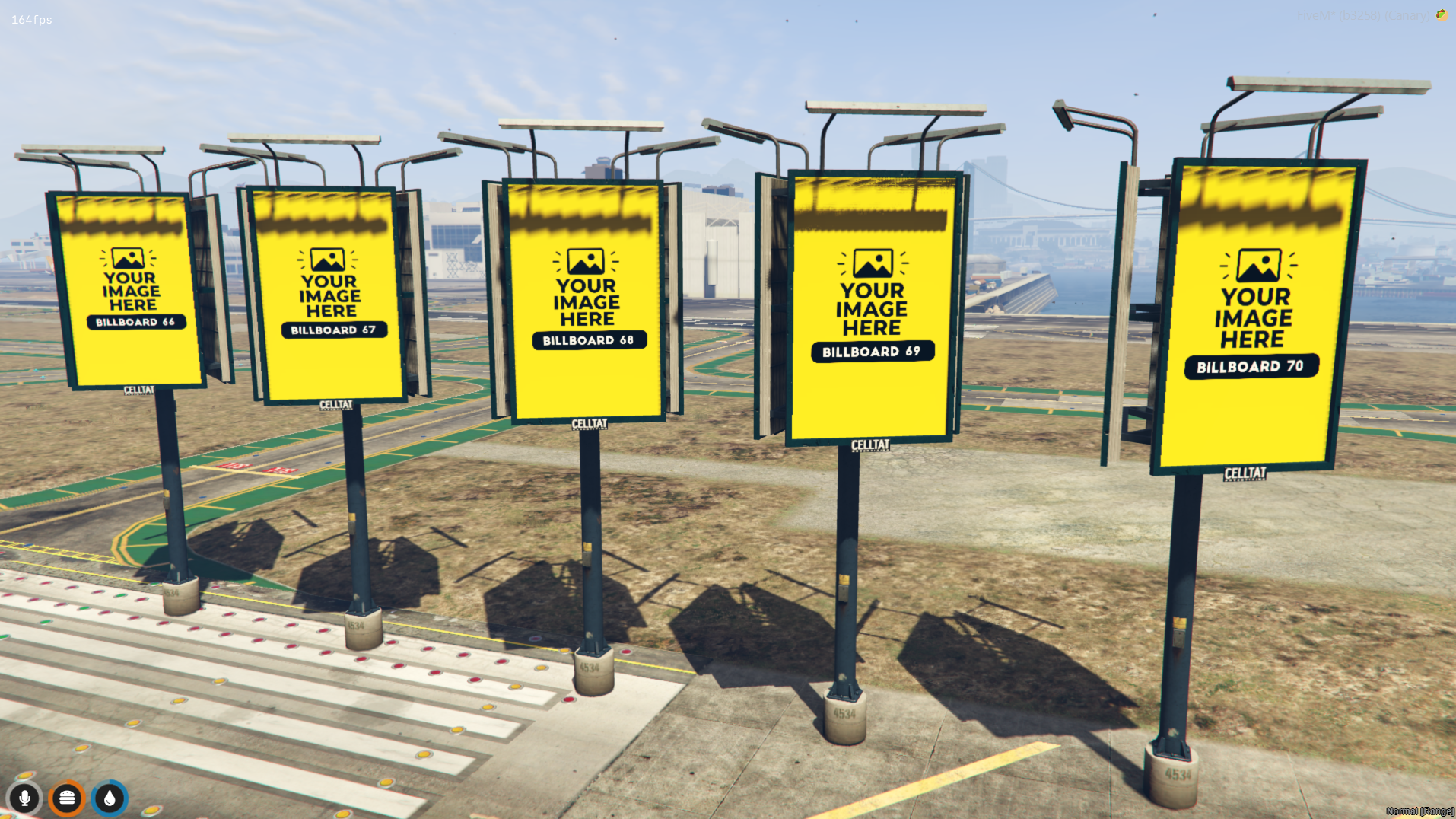
BILLBOARD 66 to 70 :
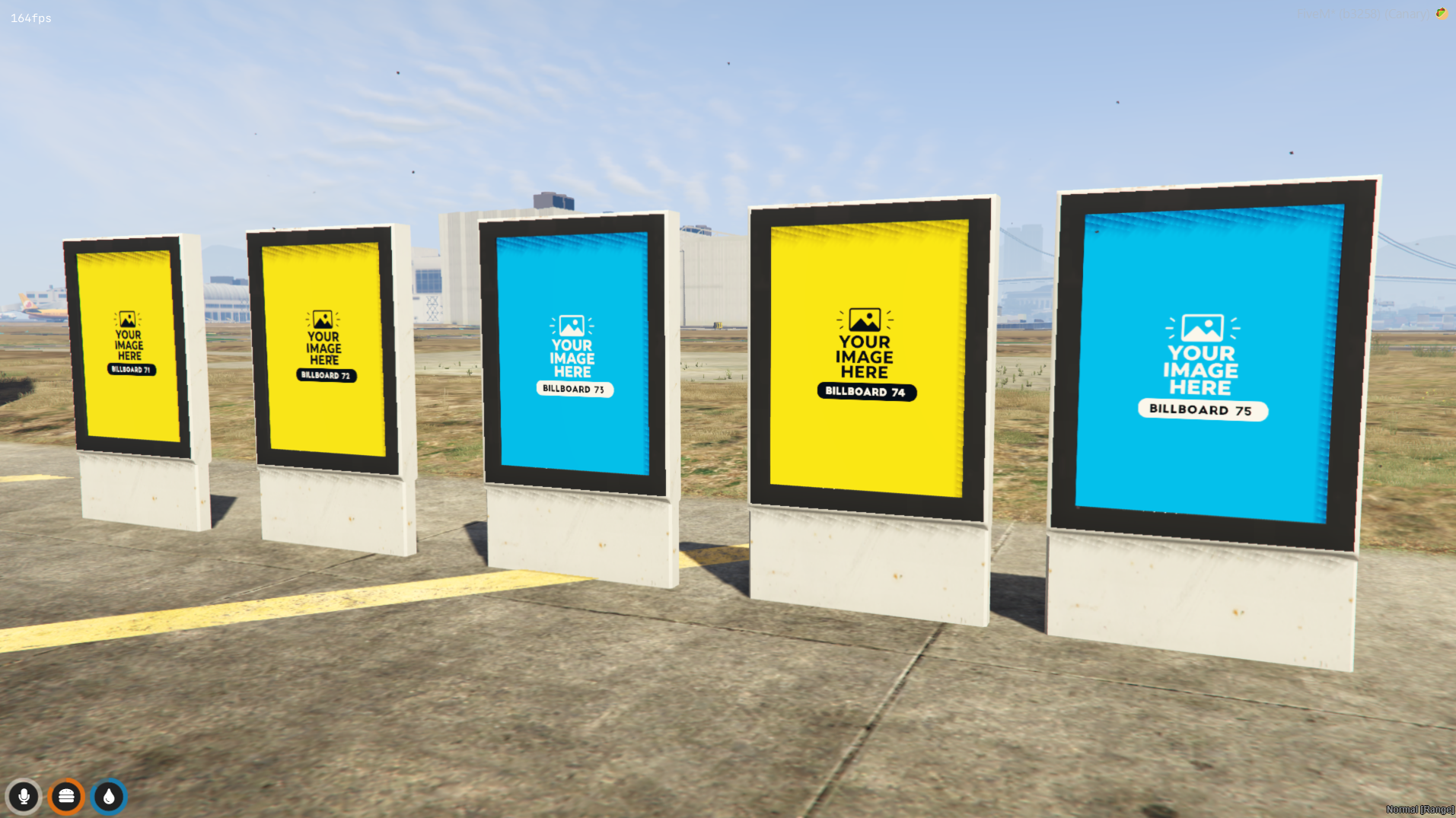
BILLBOARD ( animated ) 71 to 75 :
BILLBOARD 86 to 95 :BILLBOARD 76 to 85 :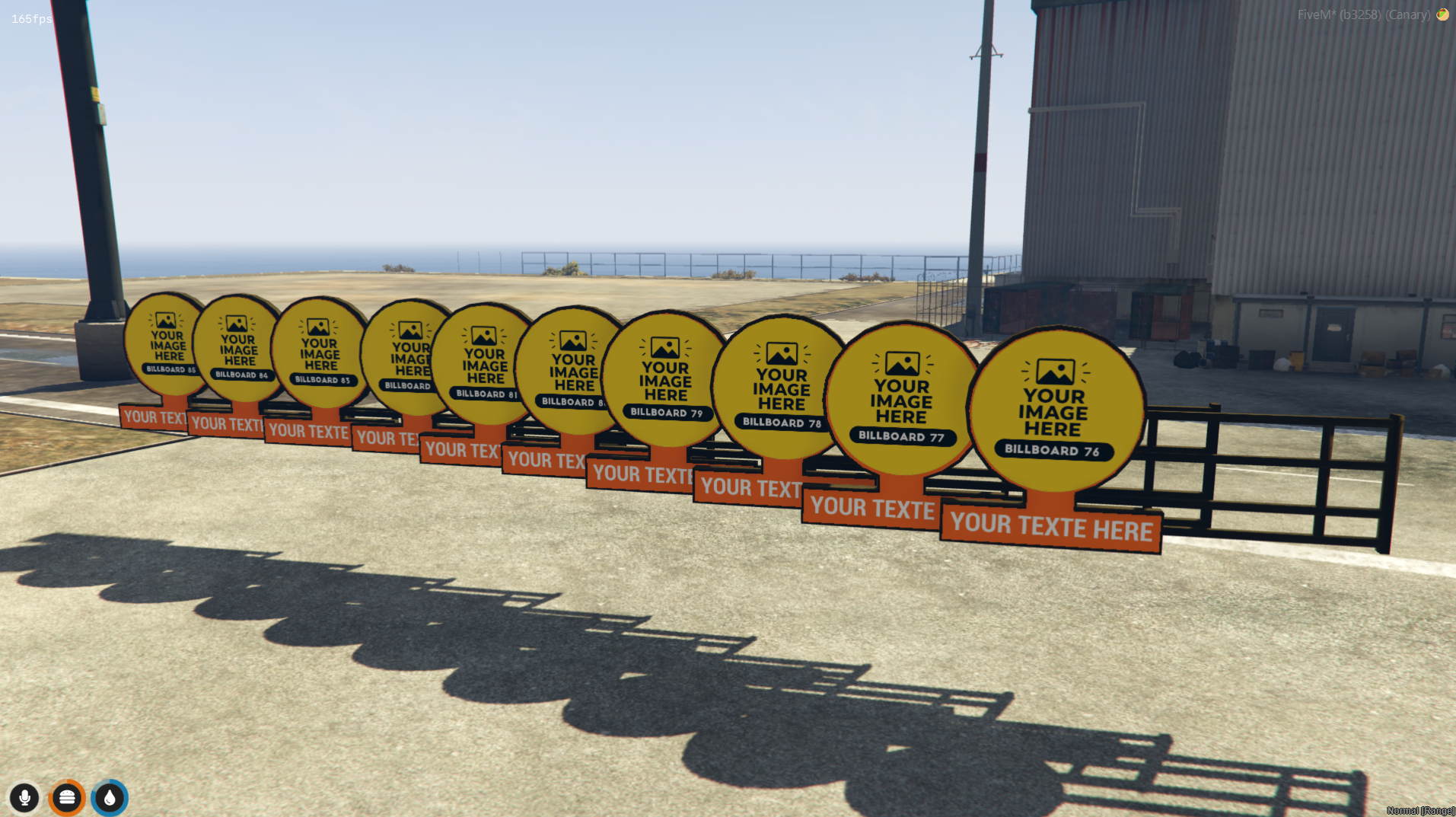
BILLBOARD 86 to 95 :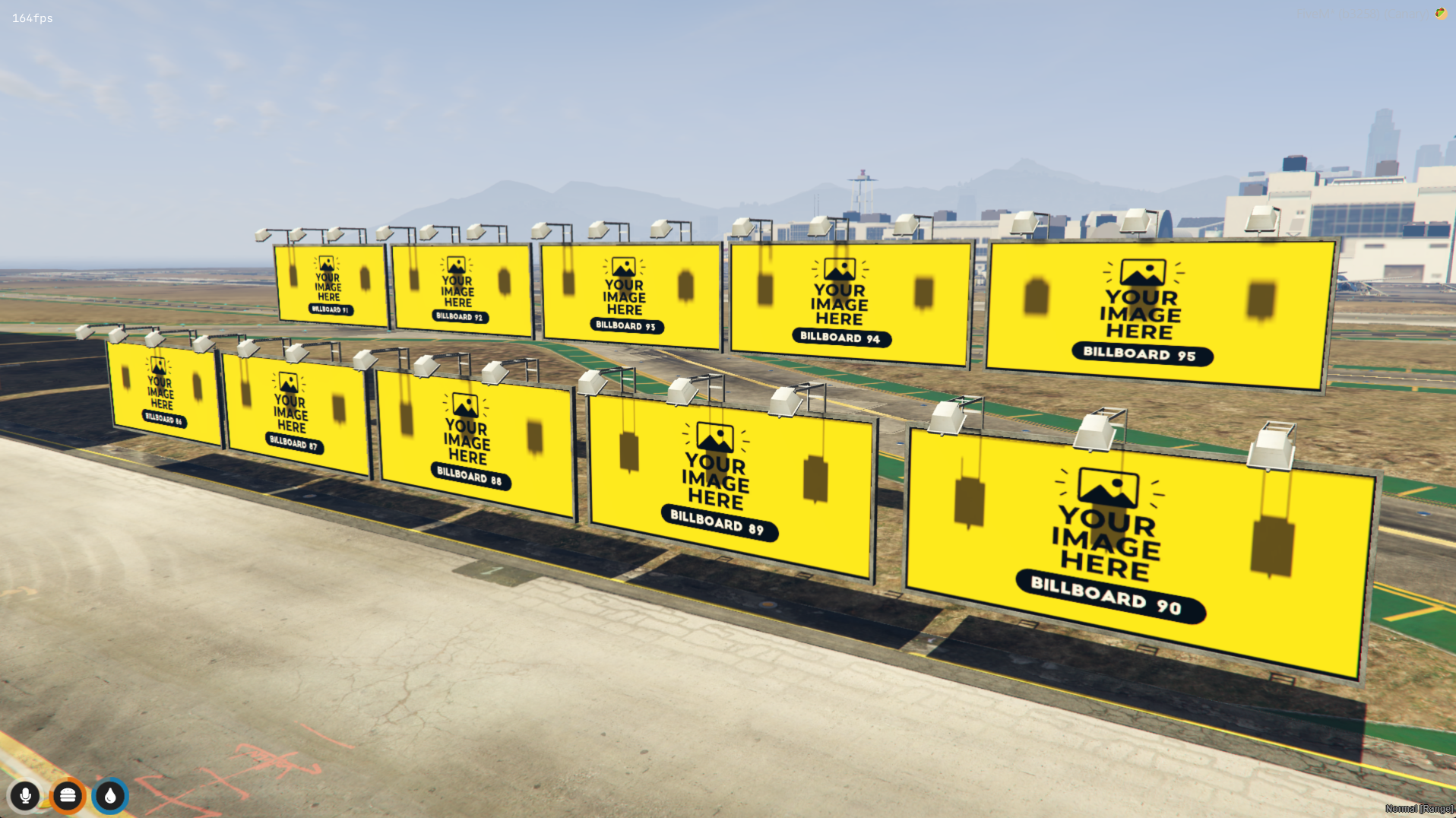
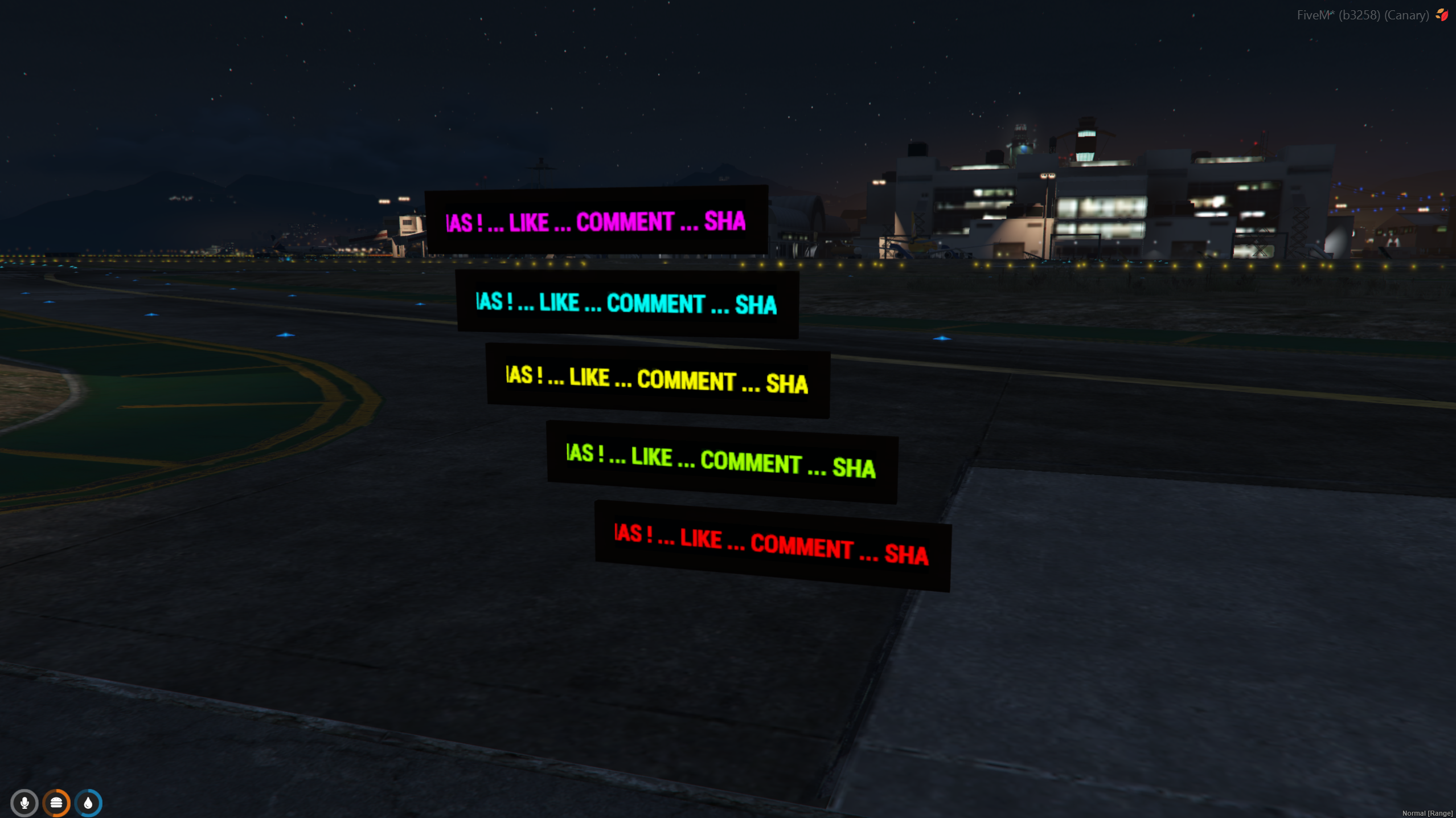
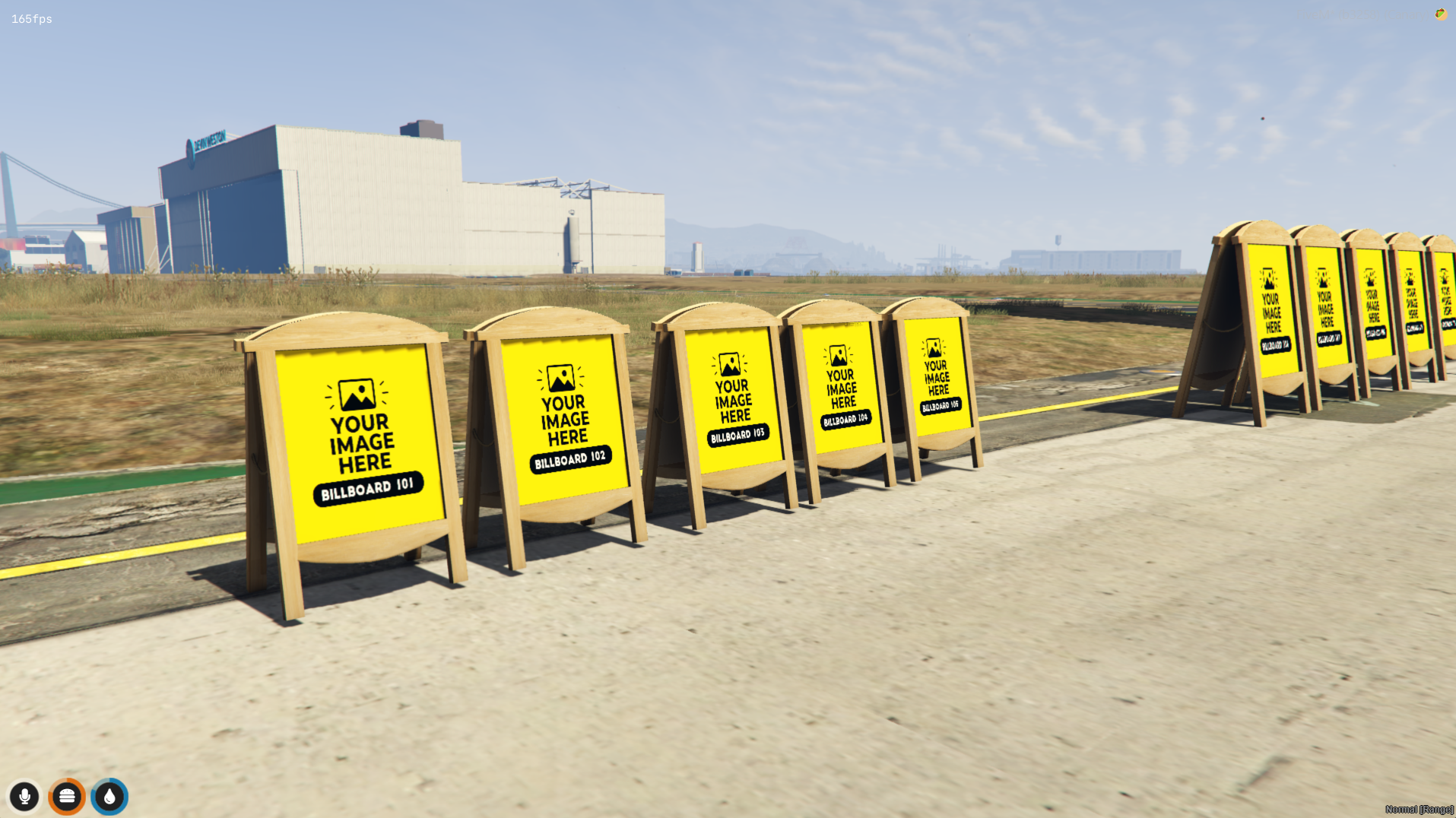
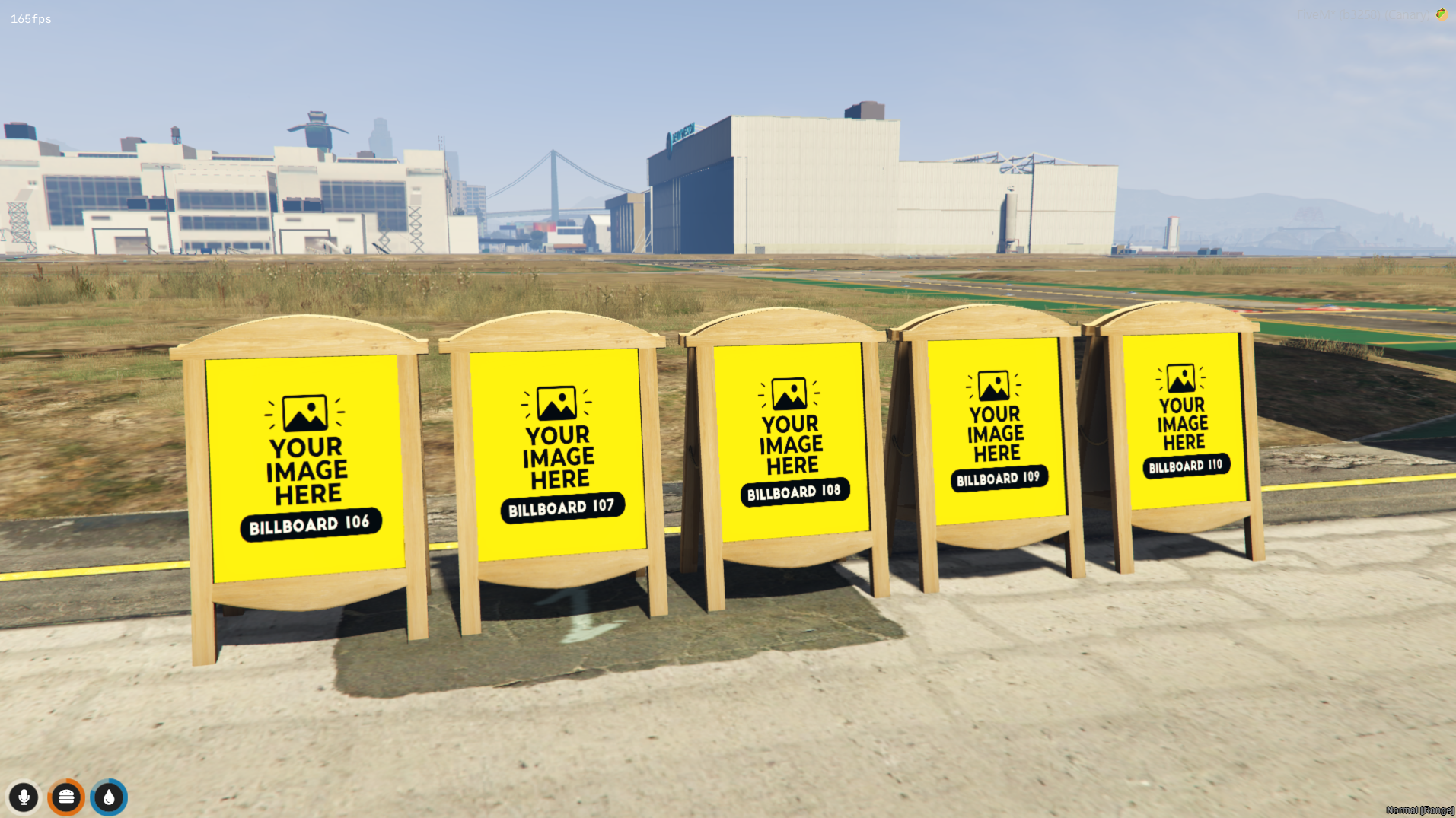
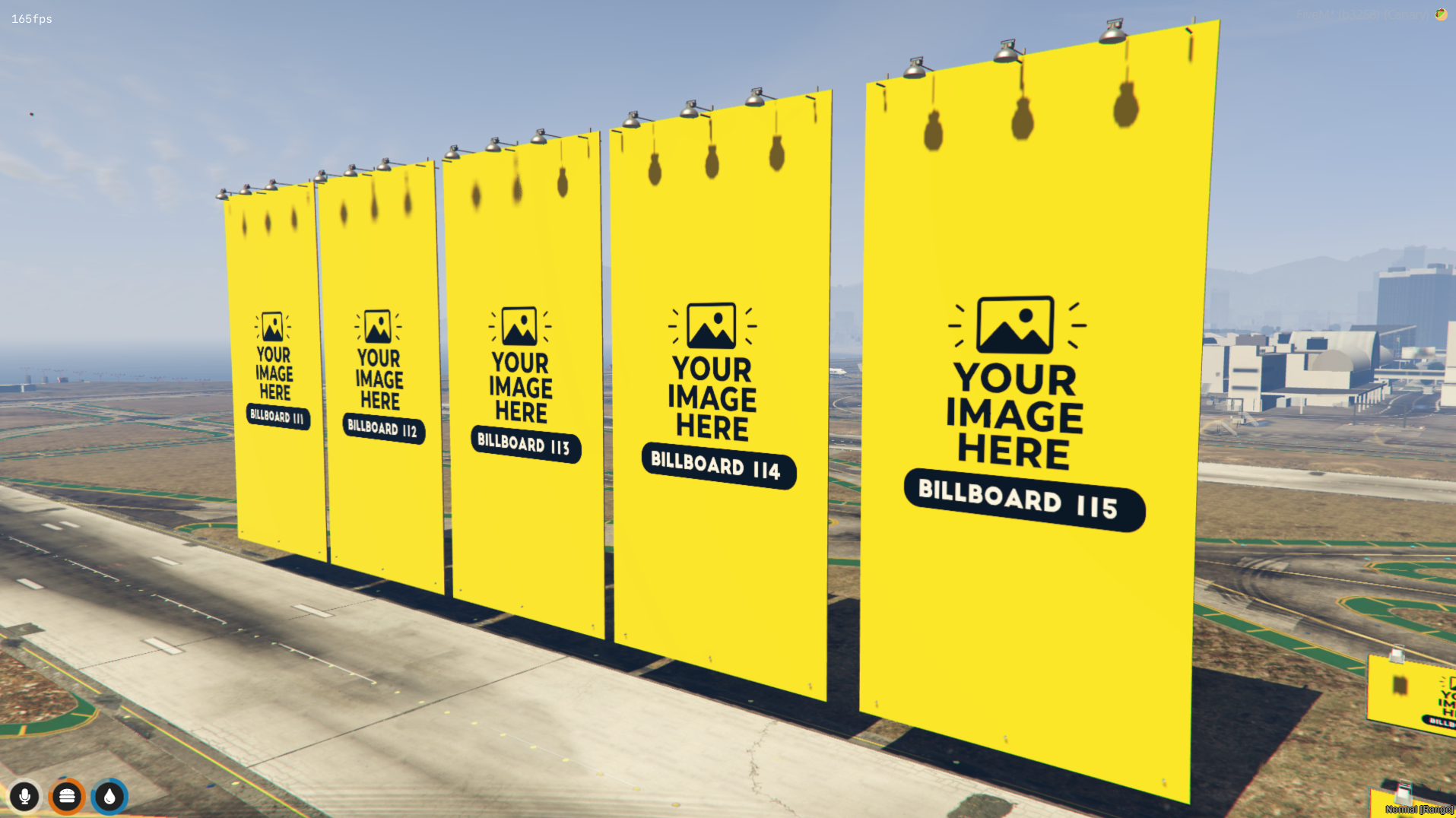
BILLBOARD ( animated ) 116 to 120 :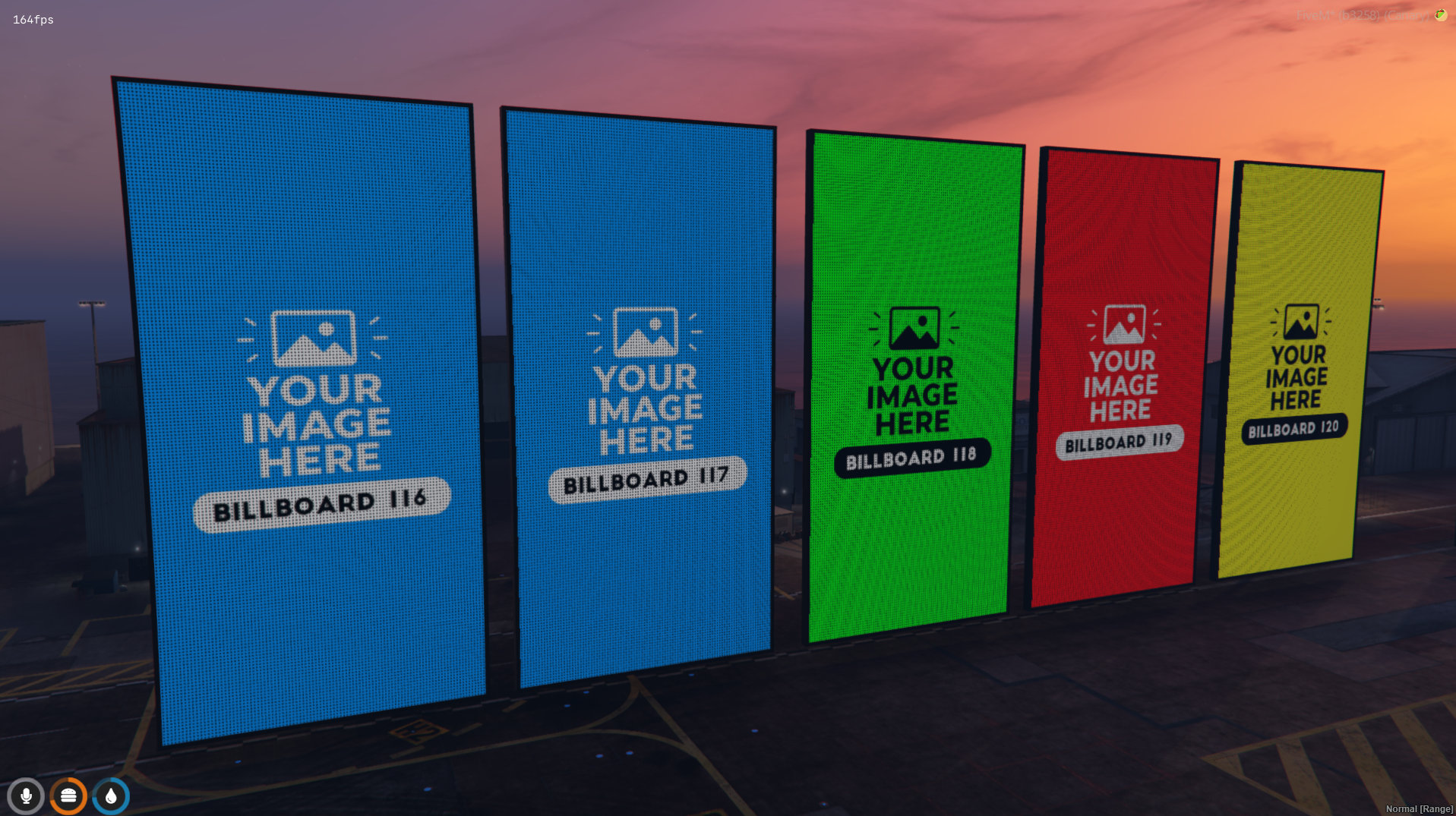
BILLBOARD ( animated ) 121 to 125 :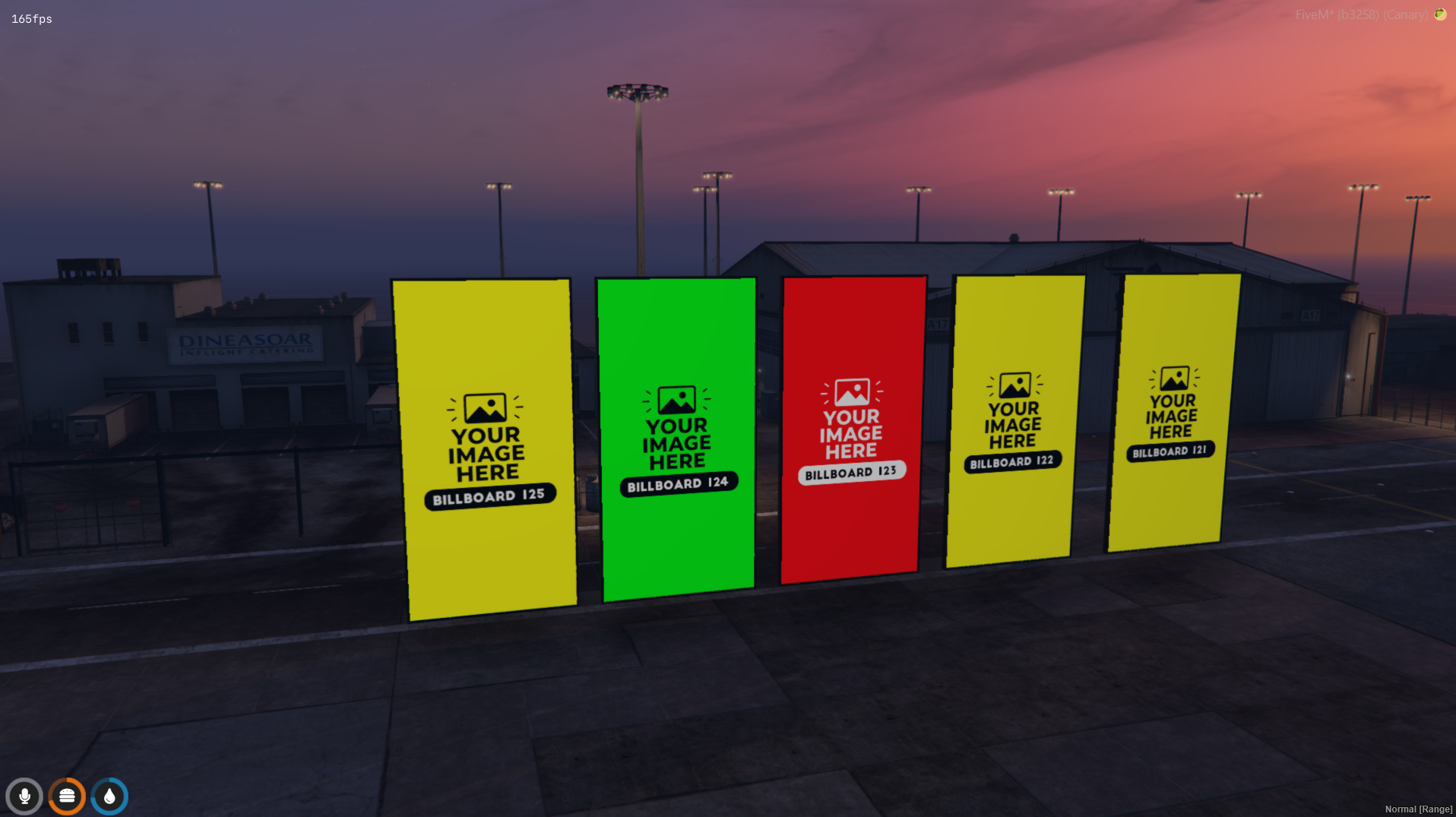
BILLBOARD ( animated ) 126 to 130 :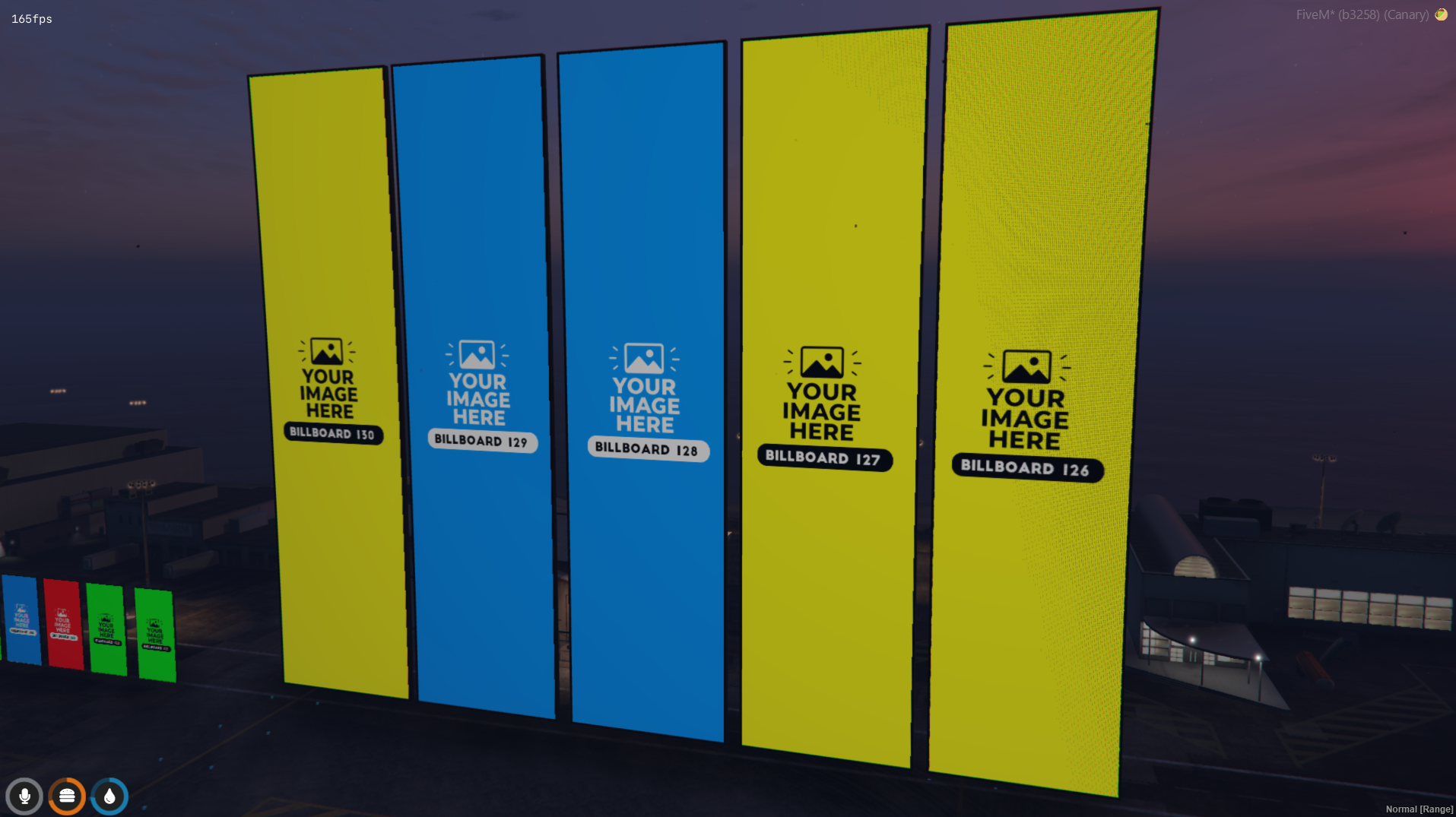
EDIT TEXTURE : ( Tuto video on my video demo )
Well organised/ easy to find / easy to replace
Replacing a billboard texture is quick and easy. Follow the steps below to customize any billboard with your own image.
Navigate to the texture folder included with the resource.
For this example, we'll use:billboard_1_to_7.ytd
Launch OpenIV and enable Edit Mode.
You must be in Edit Mode to modify texture files.
- Drag and drop:billboard_1_to_7.ytd
into OpenIV.
Open the file to view all contained textures.
Find the billboard texture you want to edit.
Open the exported PNG in your preferred image editing software.
Examples:
✅ Keep the same resolution.
✅ Keep the same image format.
✅ Save the file with the same name.
Changing the resolution or format may result in visual issues.
Return to OpenIV.
The texture will immediately be updated inside the YTD file.
Save the modified YTD file.
Make sure your changes have been applied correctly.
Place the updated:billboard_1_to_7.ytd
back into the resource texture folder.stream/[texture]/
Replace the existing file when prompted.
Restart your server .
Your custom billboard is now visible in-game and ready to be used on your server.
The texture is 1024x1024 and you want replace it with 512x512 ?
-> NO PROBLEM. You can change the size if you respect 1024x1024>512x512>256x256>...

If you have any question, don't hesitate to open a ticket on my discord